
Products

Browse the KXB Food category directory for jelly, gummy, novelty candy, and broader confectionery inquiry directions.

Product Directory

Browse the range by category, not by clutter.

Every category page now behaves like a compact B2B sales sheet. It explains the range direction, the likely retail fit, and the inputs we need before quotation.

Category pages Visual references Brief guidance Request Quote path

Categories

Choose the most useful starting point.

If you know the shelf style or consumer channel already, the category pages will help shape the rest of the brief faster.

Category

Gummy Candy

Animal, fruit, and playful gummy formats for bright retail storytelling.

Soft texture Kid-focused visual
View category

Category

Hard Candy

Piece candy and bottle-shaped directions for clean, bright, easy-to-read shelves.

Piece format Stable display
View category

Category

Jelly

Cup, pouch, and novelty jelly with strong visual merchandising value.

Cup jelly Pouch jelly
View category

Category

Popping Candy

Explosive pack personality and novelty formats built for fun retail moments.

Novelty shelf pop Gift-box energy
View category

Category

Cotton Candy

Pastel-friendly, playful, and seasonal presentation for visually soft confectionery ranges.

Pastel palette Seasonal packs
View category

Category

Candy Toys

Character candy, toy-linked visuals, and collectible novelty formats.

Character shapes Collectible feel
View category

Category

Biscuit

Portfolio extension for buyers who want snack lines alongside confectionery programs.

Portfolio extension Mixed programs
View category

How To Use The Directory

Keep the first inquiry practical.

Most strong RFQs still begin with a short, structured message. The cards below show the fastest route.

Step 1

Choose the category

Start with jelly, gummy, novelty candy, popping candy, cotton candy, biscuit, or a related direction.

Step 2

Name the pack style

Jar, tray, pouch, display carton, or gift box usually changes the answer more than flavor does at the start.

Step 3

Add market context

Target country, channel, and consumer group help keep the reply aligned with your real use case.

Live Sample

A live product page is kept as a reference model.

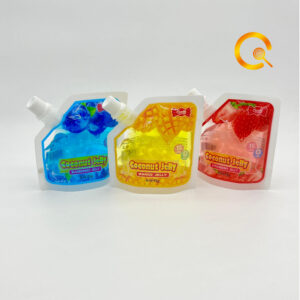
The Coconut Jelly page shows how a single product can still behave like a B2B inquiry page instead of a retail checkout screen.

  • Format framingPouch jelly is discussed in terms of package logic and category fit.
  • Inquiry contextThe CTA pushes into Request Quote or WhatsApp instead of add-to-cart behavior.
  • Visual supportExtra uploaded media helps anchor packaging and flavor discussion.

Selected Visuals

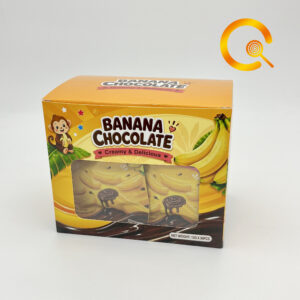
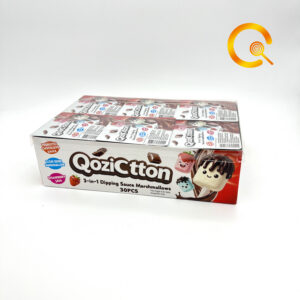
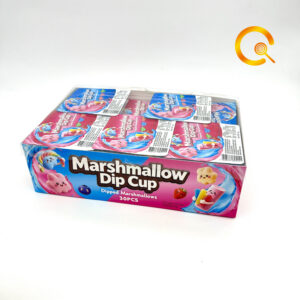
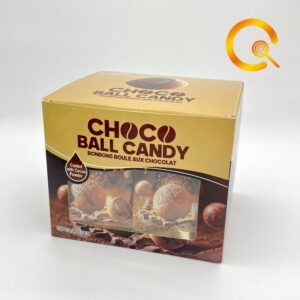
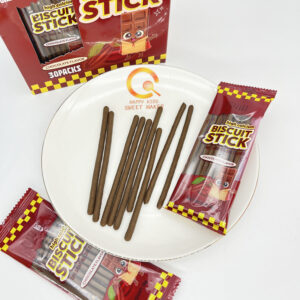
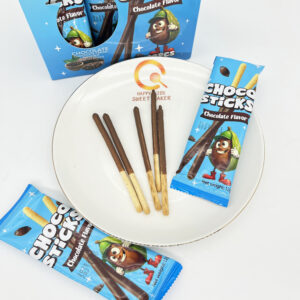
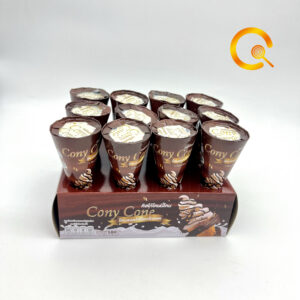
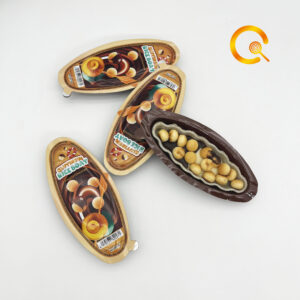
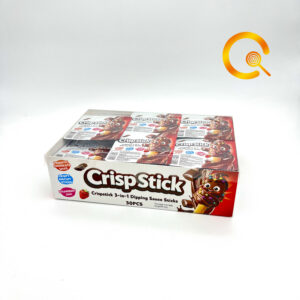
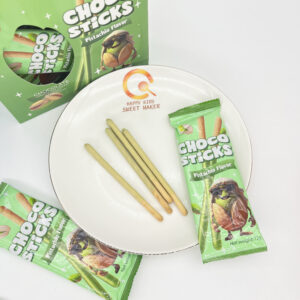
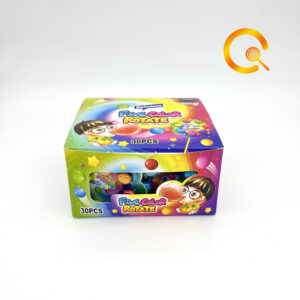
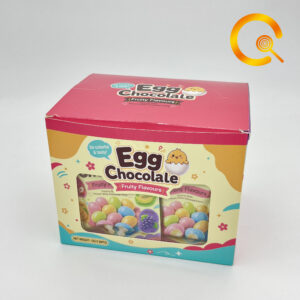
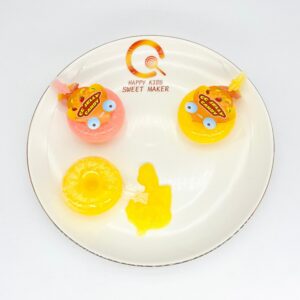
Real uploaded media now anchors the directory.

The product pages look more credible when the images are structured like references instead of scattered like leftovers.